Precision Gaming Mouse: Your Aim Depends On It
A great mouse can be the difference between a flawless headshot and a missed opportunity. In 2026, precision peripherals have become even more tailored to different gaming styles and genres. Let’s break down what really matters.
Why DPI, Sensor Tech, and Ergonomics Are Critical
Not every gaming mouse is created equal what’s under the hood (or casing) directly affects your in game performance.
DPI Settings: High DPI isn’t always better. Look for adjustable DPI to fine tune sensitivity based on your gameplay and screen resolution.
Sensor Technology: The heart of a good mouse. Opt for an optical or laser sensor with minimal acceleration and jitter for more accurate tracking.
Ergonomics: Comfort isn’t optional. Choose a shape that fits your grip whether it’s claw, palm, or fingertip and minimizes strain during long sessions.
Wired vs. Wireless: What’s Best for Your Setup?
Wireless mice have come a long way, and in 2026, performance parity with wired models is finally here. But choosing the right connection still depends on your priorities.
Wired Mice: Generally cheaper and zero lag ideal for competitive FPS players.
Wireless Mice: Freedom of movement without cable drag. Look for low latency, high polling rate models that maintain responsiveness without compromise.
Hybrid Options: Some mice now offer detachable cables allowing seamless transition between wired and wireless modes.
Features That Separate Good from Great
Elite gaming mice aren’t just about speed. They’re about optimization at every level.
Adjustable Weights: Fine tune for balance and comfort.
Customizable Buttons: Map abilities or macros for faster execution.
Durable Switches: Look for mice rated for tens of millions of clicks.
Software Support: Easy to use customization tools for lighting, DPI profiles, and multi device syncing.
Want Our Top Picks?
We’ve tested dozens. See what made our list of top rated gear.
Mechanical Keyboard: Tactile Wins Every Time
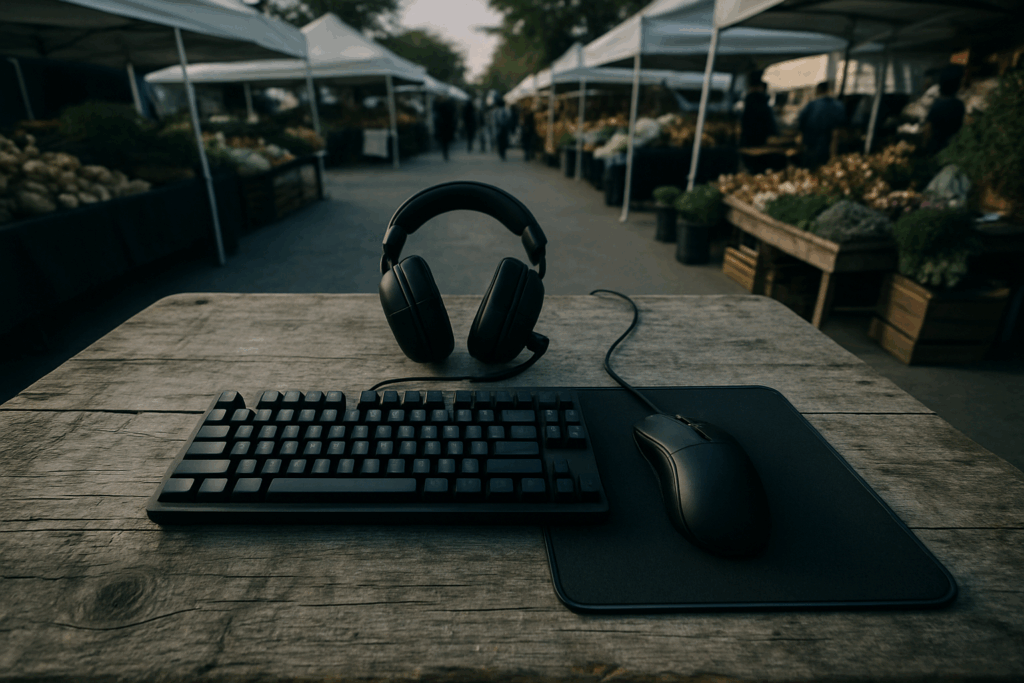
A mechanical keyboard isn’t just about the clicky sound. It’s about faster actuation, more control, and a feel that’s hard to beat once you’ve gotten used to it. The market in 2026 is flooded with switch options from buttery smooth linears to tactile and clicky setups all customizable to match your workflow or gaming style. Faster response times mean faster actions, and when you’re grinding in ranked matches or streaming to an audience, that edge matters.
Backlighting isn’t just for looks anymore. RGB zones can be tied to in game events or used to program visual cues for combos. Macro programming lets you streamline commands, while proper wrist support can mean the difference between a clean 4 hour grind session or a trip to the ice pack.
Durability is a must. Key rollover ensures every press is counted even during intense multi key combos and solid builds with aluminum plates or high end plastic housing mean your keyboard’s not tapping out before you do. If you’re serious about gaming, a mechanical keyboard isn’t a want. It’s a need.
Pro Grade Headset: Audio Is Half the Game
Immersive audio is just as critical as crisp visuals in competitive PC gaming. Whether you’re tracking enemies by sound or coordinating with teammates mid battle, your headset quality directly affects your performance.
The Game Changing Power of Directional Audio
Directional sound isn’t just impressive it’s tactical. A high quality headset gives players the ability to:
Pinpoint enemy footsteps and gunfire
Understand spatial cues quickly
Gain a reaction time advantage in shooters and strategy games
Whether it’s hearing an opponent reload behind a corner or tracking movement above or below you, accurate surround sound creates opportunity.
Communication Is Key: Mic Quality Matters
If you’re playing team based titles, clear communication can mean the difference between a win and a loss. A professional grade mic helps by:
Eliminating background noise for distraction free calls
Delivering crisp, intelligible voice over chat platforms
Preventing misunderstandings or callout delays
Look for features like noise cancelation, adjustable boom arms, and in line controls to fine tune your sound on the fly.
Wired vs. Wireless: Latency vs. Mobility
Wireless gaming headsets are more popular than ever, but they’re not created equal. Consider:
Latency: Some lower end wireless models can introduce slight delays, which can be critical in certain games
Battery Life: Top tier wireless headsets now last up to 30 40 hours on a single charge
Freedom of Movement: Cut the cord and increase your comfort, especially in long sessions or livestream setups
If you’re ultra competitive, wired may still be your safest bet. But for most players, modern wireless models offer all the performance you need plus the perk of getting up without unplugging.
High Refresh Monitor: See What Others Miss
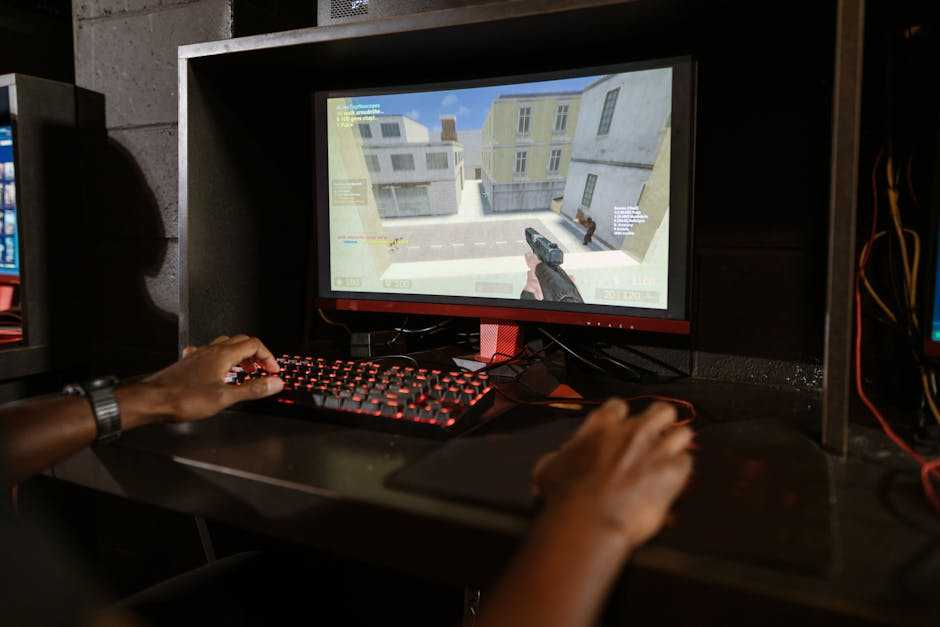
If you’re still gaming on a 60Hz display, you’re already behind. In 2026, 144Hz is no longer a luxury it’s the minimum standard for competitive gaming. Every flick shot, every camera pan, every split second reaction gains clarity when your monitor keeps up. The jump to 240Hz or even 360Hz? Noticeable, especially for esports focused titles where every frame counts.
Then there’s screen tearing once an unavoidable annoyance, now mostly solved with adaptive sync tech. G Sync (for NVIDIA users) and FreeSync (for AMD) match your monitor’s refresh rate to your GPU output. Translation: smoother visuals, fewer distractions, and zero input lag penalty.
Panel type also plays a part. TN panels used to dominate due to their fast response times, but they come with poor color and viewing angles. IPS gives you a sweet balance: decent speed with vibrant color accuracy. OLED is the new contender best in class contrast, instant response time, and true blacks. But it’s pricier, and burn in is still a concern for static UI heavy games.
Bottom line: in a sea of pixels, speed and clarity win battles. Your monitor isn’t just a screen it’s your window into the arena.
Ergonomic Gaming Chair: Play Longer, Hurt Less

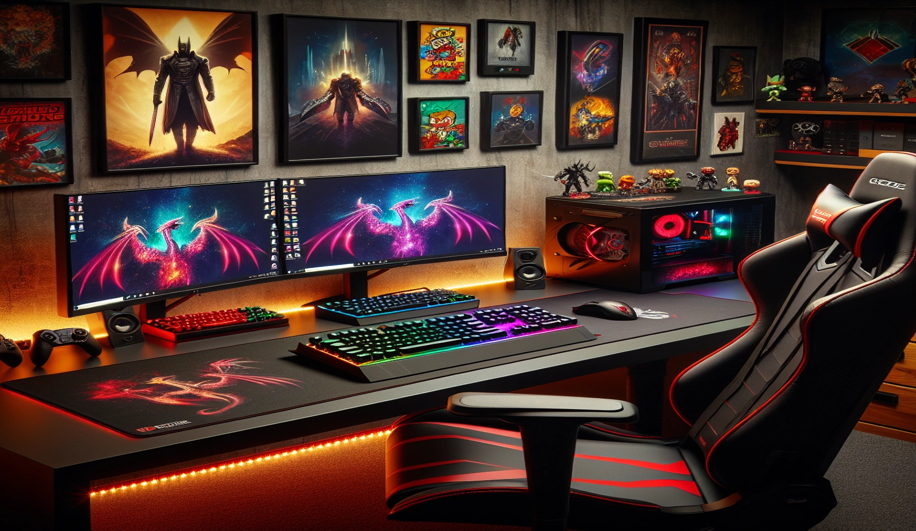
You can drop thousands on a rig, monitor, and peripherals but if your chair’s trash, you’ll feel it fast. Lower back pain, stiff shoulders, and neck strain sneak in when you least expect it. That’s where proper lumbar, arm, and neck support come in. A quality gaming chair isn’t a luxury. It’s your long term ally, especially during marathon sessions.
Breatheability matters too. Memory foam is great but not if it heats up like a car seat in July. Look for mesh backrests or hybrid materials that let air flow and keep sweat to a minimum.
Lastly: adjustability. Fixed armrests, shallow recline angles, and non adjustable lumbar pads are dead weight. You need to personalize your setup seat height, tilt tension, armrest width. The more a chair adapts to you, the longer you’ll stay focused, not fidgeting.
The goal is simple: better comfort, longer sessions, less regret. Start with the chair. Build everything else around it.
Custom Controllers & Keypads: Optimize Input
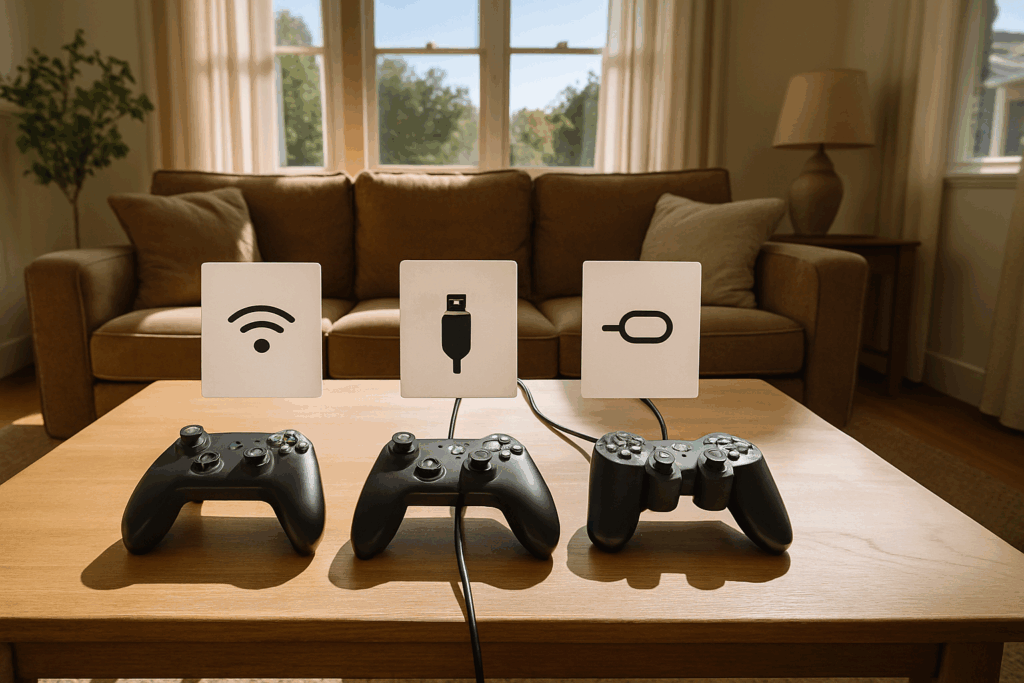
In some games, the old mouse and keyboard combo just doesn’t cut it. Fighting games, racing sims, sports titles they often feel tighter and more intuitive on a controller. Even in first person shooters, some players are switching over to high end, customizable gamepads built for precision and ergonomics. It’s not about tradition. It’s about what gives you the edge.
Then there’s the rise of hot swappable keys and programmable macros. Gamers are tuning keystrokes to their genre: clicky for fast taps in MOBAs, linear for smooth presses in RPGs, and silent for late night raids. The ability to assign macros with a tap lets you pull off combos, commands, or builds without wasting time and in competitive play, every second counts.
One handed keypads also deserve a mention. For MOBAs and MMOs especially, these compact devices cram essential functions into your left hand while freeing up your right for control heavy tasks. Think of them as tactical loadouts for your fingers lean, specialized, and designed to keep mistakes to a minimum.
Optimizing input setup isn’t about what’s standard it’s about what works under pressure.
Essential Extras
Not every upgrade screams neon RGB. Some just quietly make everything better.
Start with your mousepad. Size and texture aren’t about aesthetics they’re mission critical. If you play FPS, a larger pad gives you space for sweeping arm movements without lifting the mouse. Low friction surfaces are great for speed, while a textured finish helps with control. Try both. Find what feels right. Once you do, you’ll know the difference immediately.
Cable management sounds boring until your desk looks like a spaghetti disaster. A clean battlestation isn’t about vanity it’s about removing distractions. Proper routing also protects your gear. Use Velcro ties, under desk trays, and sleeve covers. It’s five minutes of work for a permanent quality of life boost.
And let’s talk heat. Long sessions strain your system. An external cooling pad or USB connected fan controller can take the edge off those rising temps. It’s especially important for gaming laptops or custom desktops without airflow optimization. Don’t wait for thermal throttling to kill your frame rate.
The big wins are in the little things.
Where to Find the Best Gear
The PC gaming market in 2026 is loud, bloated, and full of shiny junk. Just because something looks like it belongs in a spaceship cockpit doesn’t mean it’ll hold up under actual gameplay. Avoid gear sold by fly by night brands with vague specs or overly aggressive marketing. If a product is trying too hard to convince you it’s elite, it probably isn’t.
Instead, focus on brands that deliver performance with a track record. Trust gets earned over time. Look for companies known for top tier build quality, long term support, and firmware updates that actually improve things. Future proofing your setup means buying hardware that won’t become e waste in a year. Prioritize compatibility, driver support, and modular designs.
And don’t let trends think for you. RGB overload, 8K monitors, and AI assisted chairs might sound impressive but if they don’t improve your game, they’re just clutter. Choose gear based on what matters to your performance, your comfort, your style.
For a vetted list of battle ready hardware, check out our full guide to top rated gear.

 Ask Trevian Droshar how they got into esports coverage and you'll probably get a longer answer than you expected. The short version: Trevian started doing it, got genuinely hooked, and at some point realized they had accumulated enough hard-won knowledge that it would be a waste not to share it. So they started writing.
What makes Trevian worth reading is that they skips the obvious stuff. Nobody needs another surface-level take on Esports Coverage, Latest Gaming Gear Reviews, Upcoming Game Releases. What readers actually want is the nuance — the part that only becomes clear after you've made a few mistakes and figured out why. That's the territory Trevian operates in. The writing is direct, occasionally blunt, and always built around what's actually true rather than what sounds good in an article. They has little patience for filler, which means they's pieces tend to be denser with real information than the average post on the same subject.
Trevian doesn't write to impress anyone. They writes because they has things to say that they genuinely thinks people should hear. That motivation — basic as it sounds — produces something noticeably different from content written for clicks or word count. Readers pick up on it. The comments on Trevian's work tend to reflect that.
Ask Trevian Droshar how they got into esports coverage and you'll probably get a longer answer than you expected. The short version: Trevian started doing it, got genuinely hooked, and at some point realized they had accumulated enough hard-won knowledge that it would be a waste not to share it. So they started writing.
What makes Trevian worth reading is that they skips the obvious stuff. Nobody needs another surface-level take on Esports Coverage, Latest Gaming Gear Reviews, Upcoming Game Releases. What readers actually want is the nuance — the part that only becomes clear after you've made a few mistakes and figured out why. That's the territory Trevian operates in. The writing is direct, occasionally blunt, and always built around what's actually true rather than what sounds good in an article. They has little patience for filler, which means they's pieces tend to be denser with real information than the average post on the same subject.
Trevian doesn't write to impress anyone. They writes because they has things to say that they genuinely thinks people should hear. That motivation — basic as it sounds — produces something noticeably different from content written for clicks or word count. Readers pick up on it. The comments on Trevian's work tend to reflect that.