CPU: Your System’s Brainpower
AAA games in 2026 aren’t just graphically intense they’re computationally demanding under the hood. Open world complexity, real time physics, background AI thread management, and persistent multiplayer environments all pile on the cores. One beefy single threaded core isn’t enough anymore. Titles like Starfield II and Escape Engine use up to 12 threads efficiently. Meaning? If your CPU doesn’t have real multi core muscle, you’ll hit a glass ceiling regardless of how strong your GPU is.
Now, picking sides: Intel vs. AMD. The days of easy answers are gone. Intel’s hybrid architecture (P cores and E cores) gives it an edge in managing background tasks while maintaining strong primary thread performance great for gaming while streaming, recording, or running Discord and a dozen Chrome tabs in the background. AMD, on the other hand, is punching hard with high core counts and strong per dollar value, especially in its 8000 series. Gamers leaning toward future proofing multi threaded performance not just frame rates are taking a longer look at Team Red.
But let’s talk about a silent killer: CPU bottlenecks. You could spend $900 on a top tier GPU, and still find your frame rates kneecapped if your processor’s too slow to feed it data fast enough. It doesn’t spike or crash it just drags. Subtle frame pacing issues, capped performance in open world areas, or sudden dips in CPU heavy encounters. All signs your processor is gasping while your GPU waits idle.
In short: don’t underinvest in your CPU. Games may look visual, but their real demand is computational. Give your GPU the partner it needs, or leave performance on the table.
GPU: The Star Player
The graphics card is arguably the most talked about component in any gaming rig and for good reason. It drives the visuals, supports frame rates, and determines whether your setup can handle modern titles at ultra settings. However, performance isn’t just about raw specs.
Match the GPU to Your Monitor and Games
Choosing the right GPU starts with understanding your use case.
Esports and competitive titles: For games like Counter Strike or Valorant, high frame rates matter more than resolution. A mid tier GPU that supports 1080p at 144Hz+ is often ideal.
AAA and open world games: If you’re diving into 4K or highly detailed environments (think Cyberpunk 2077 or Starfield), aim for a higher end GPU with ample power and memory bandwidth.
VR and Sim Racing: These categories demand both performance and stability. Inconsistent frame delivery can break immersion.
Before finalizing your selection, make sure your graphics card aligns with your monitor’s capabilities buying a 4K GPU for a 1080p screen (or vice versa) is a common mismatch.
VRAM: Don’t Skimp in 2026
Video RAM (VRAM) determines how much data your GPU can store locally while rendering graphics. And in 2026, that number matters more than ever:
8GB is the minimum for most modern games, but 12GB 16GB is quickly becoming the new sweet spot especially for high res textures and larger open world maps.
Newer engines are demanding more real time assets and larger buffers, meaning limited VRAM can cause stutters, pop ins, or forced texture downgrades.
The key takeaway? Don’t just look at core count or clock speeds make sure your VRAM is keeping pace with the games you want to play.
Balance Is Everything: Don’t Create a Bottleneck
It’s easy to fall into the trap of overspending on a high tier GPU while neglecting your processor. But without a balanced CPU GPU pairing, you risk bottlenecks that drag down overall performance.
A GPU can only work as fast as the CPU feeding it data.
If your processor can’t keep up, you’ll see reduced frame rates even if the GPU itself is underutilized.
Use online bottleneck calculators or benchmarking data to plan a well matched system.
Pro Tip: When budgeting, always look at your build as a system, not a stack of individual parts. Great GPU performance depends on harmony among all your components.
Motherboard: Your Build’s Backbone
A motherboard does more than just hold your components together it determines what your PC is capable of, how easily it can be upgraded, and how reliably it performs under pressure. In 2026, these considerations are more important than ever.
Chipset Compatibility: The Heart of Expansion
Not all motherboards are created equal, especially when it comes to the chipset. With PCIe 5.0 becoming mainstream, choosing the right chipset means unlocking support for faster GPUs, SSDs, and other next gen peripherals.
Check for PCIe 5.0 support on both GPU and M.2 slots
Ensure CPU compatibility with the target chipset (Intel 14th gen and AMD AM5 are shifting standards)
Higher end chipsets often mean better upgrade paths down the line
Invisible Features That Matter
Sometimes the most important motherboard specs aren’t the flashiest. Pay attention to the quality of onboard components:
VRMs (Voltage Regulator Modules): Stable power delivery is critical for CPU performance and overclocking
Thermal Management: Heat sinks and fan headers help with long term reliability
Future Proof Ports: Support for Thunderbolt, PCIe 5 M.2 drives, and USB4 extends your build’s lifespan
Small Specs, Big Performance Impact
Features like integrated Wi Fi and updated USB ports may seem minor, but they bring real everyday benefits:
Wi Fi 6E: Offers lower latency and less interference on crowded networks
High Speed USB (USB 3.2 Gen 2, USB4): Important for gaming peripherals and VR headsets
BIOS Flashback: Handy for upgrading CPUs without installing older chips first
When selecting a motherboard in 2026, think beyond the socket. Look at the full package performance, compatibility, and long term value.
RAM: Smooth Gameplay, Fast Loads
In 2026, 16GB of RAM is officially the bare minimum, not the sweet spot. With games pushing larger open worlds, more complex AI systems, and heavier background processes, 32GB is quickly becoming the go to standard for smooth, future proofed performance.
The difference isn’t just about capacity. It’s also about how that memory is used. Dual channel setups matching two sticks for parallel communication offer real world speed gains in loading assets, texture streaming, and multitasking. Single channel can bottle things up, especially if you game and stream or run Discord and browser tabs in the background.
Then there’s DDR5. The newest memory standard is more expensive, sure, but prices are coming down, and it’s showing value in future facing builds. DDR5’s faster bandwidth and improved power efficiency won’t always show dramatic boosts in every title yet but it’s quietly becoming a smart pick if you’re already investing in a newer CPU and motherboard combo. The rule of thumb? If you’re building for longevity, it’s worth it.
Storage: From Boot Times to Texture Streaming
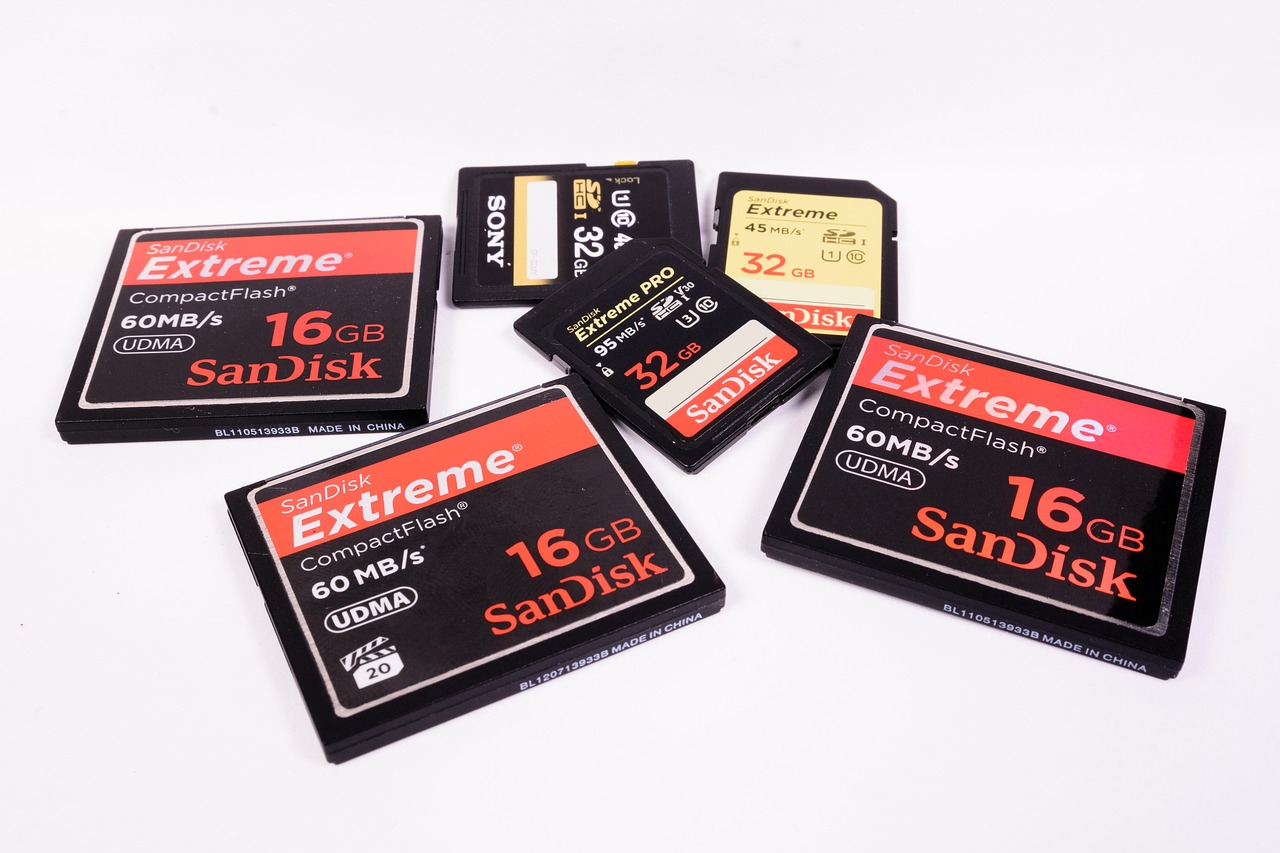
When it comes to gaming in 2026, your storage setup isn’t just about saving space it’s about keeping pace. NVMe SSDs leave SATA drives in the dust when it comes to read/write speeds, which translates directly into faster boot times, snappier level loads, and fewer hiccups during fast travel or asset heavy sequences. Games are starting to pull assets on the fly, and NVMe is built for that kind of speed.
Still, not everything needs top tier performance. An ideal combo is a 1TB NVMe SSD as your primary drive for your OS, most played titles, and apps and a 2TB+ SATA or slower SSD for bulk storage. That way, you get real speed where it counts without maxing out your budget.
Modern games now leverage caching and data pre fetching techniques, which prioritize assets the engine expects to need next. These features depend heavily on fast storage pipelines. If the data flow can’t keep up, you’re looking at stutters or delays that break immersion. Bottom line: investing in NVMe isn’t overkill it’s quickly becoming entry level for serious gaming setups.
Cooling: Uncool Temps = Performance Drops
Cooling is often the unsung hero of a solid gaming build. If you’re pushing frames and chasing clock speeds, your temps can quietly wreck performance or kill parts outright. Here’s what matters most:
Air vs. AIO Liquid: When Each Wins
Air coolers are simpler, cheaper, and rarely fail. They’re perfect for mid range builds or CPUs under moderate load. A good tower cooler with a solid heatsink and fan can match or even beat entry level liquid AIOs.
That said, if you’re working with a power hungry CPU or care about aesthetics and case space, a 240mm or 360mm AIO earns its place. Liquid’s edge shows in multi core loads and hotter chips. Just know: more moving parts = more things that can fail.
Case Airflow: Underrated and Often Skipped
You can spend big on components and still lose the game to airflow. Poor ventilation means trapped heat, thermal throttling, and angry fan noise. Make sure your case isn’t sealed off like a submarine.
You want intake fans in front or bottom, exhaust in back or top. Positive pressure (more intake than exhaust) helps combat dust. Don’t assume your pre built setup nailed this it often doesn’t.
Understanding Thermal Zones and Fan Curves
Not every component lives in the same thermal zone. Your GPU and CPU heat up differently and at different times. Good case design separates those zones or at least doesn’t make things worse.
Fan curves a map of how fast fans spin at certain temperatures are your tool for controlling temps and noise. Tailor them per fan and zone. Set a steep ramp for the CPU, maybe a flatter one for chassis fans. Most modern BIOS and software tools make this easier than ever.
Bottom line: don’t treat cooling like an afterthought. It’s not just about keeping temps in check it’s about keeping performance steady, noise manageable, and hardware alive.
Power Supply: Don’t Cheap Out
A gaming PC is only as stable as the power that fuels it. Yet, the PSU (Power Supply Unit) remains one of the most underestimated components in many builds. Choosing the right unit isn’t just about wattage it’s about quality, efficiency, and future proofing your investment.
Wattage Headroom Matters
Modern GPUs, especially high performance models, experience power spikes that can temporarily exceed their rated TDP. If your PSU lacks the necessary headroom, these spikes can cause random shutdowns or performance throttling.
Allow 20 30% wattage buffer above your system’s estimated draw
Use online PSU calculators to determine real world power needs
Avoid bare minimum power supplies, especially with next gen GPUs
Efficiency Ratings: What 80 PLUS Actually Means
Not all wattage is created equal. PSU efficiency ratings (like 80 PLUS Bronze, Gold, or Platinum) indicate how well a unit converts wall power into usable energy and how much is lost as heat.
80 PLUS Bronze: Minimum entry for gaming reliability
80 PLUS Gold or higher: Better efficiency = less heat, lower power bills
Platinum/Titanium: Ideal for quiet, efficient, and high end builds
Modular vs. Non Modular: A Tidy Build Bonus
Cable management isn’t just a visual concern it affects airflow and ease of maintenance. Modular power supplies give you full control.
Fully Modural: Best for clean cable runs and optimized case airflow
Semi Modular: Pre attached essentials, detachable for optional cables
Non Modular: Budget friendly but limited flexibility
Looking Ahead: A PSU that Grows with You
Investing in a robust, high quality power supply means it can often outlast multiple component upgrades. Don’t let a cheap PSU bottleneck future performance or limit upgrade paths.
Choose a PSU that supports next gen connectors (like PCIe 5.0 cables)
Prioritize units with 10 year warranties and trusted brand reputation
A strong PSU ensures headroom for dual GPU setups, more storage, and future cooling upgrades
Bonus: Budget Without Cutting Corners
Building a mid range gaming PC in 2024 is an exercise in balance. You won’t be maxing out ray tracing at 4K but you don’t need to. Smart shoppers know where to spend and where to hold back without choking performance.
Start with the CPU and GPU. These are still your two main workhorses. Go for a last gen CPU (like a Ryzen 5 or Intel Core i5) paired with a GPU that’s just under flagship think RTX 4060 Ti or AMD’s RX 6750 XT. These options hold up well in 1080p and act surprisingly solid at 1440p.
RAM? 16GB is the rock bottom minimum now, but 32GB DDR4 often costs just a bit more and future proofs you further. For storage, a 1TB NVMe SSD gets you fast load times and space to breathe. Skip the mechanical hard drive unless you need deep archival space.
Stick to a reliable 80+ Bronze PSU with enough wattage headroom don’t chase gold ratings if it means skimping on GPU power. A mid tier B550 or B660 motherboard skips the flashy frills but still offers strong dependability and future upgrade paths.
Bottom line: If you think like a builder and not a brand loyalist, $1,000 goes a long way. Get more detail and specific part lists in the guide: How to Build a Mid Range Gaming Setup for Under $1000.